
How to request CAD drawings for custom bedroom wardrobes?
- 1) What exact measurements and tolerances should I provide so a CAD drawing accounts for skirting, uneven floors and wall out-of-plumb?
- 2) How should I specify hanging rail heights, shelf spacing and load ratings in CAD so long coats, folded garments and shoes fit without retrofit?
- 3) What CAD file formats and layer structure should I request so I receive production-ready CNC cutlists, BOMs and avoid translation errors?
- 4) How do I embed hardware manufacturer specs (hinges, drawer slides, handles) and exact mounting details in CAD so installers don’t mis-drill or retrofit incompatible parts?
- 5) How do I request integrated lighting, power outlets and ventilation in wardrobe CAD drawings while meeting serviceability and safety requirements?
- 6) What must be included in a 'production-ready' CAD pack to minimize back-and-forth — and what approval workflow should I follow before cutting?
- Concluding summary: Advantages of CAD-backed custom bedroom wardrobes and custom kitchen cabinets
How to Request CAD Drawings for a Custom Bedroom Wardrobe: 6 Pro Questions Answered
Designing a custom bedroom wardrobe or specifying custom kitchen cabinets requires precise CAD documentation to avoid costly rework. Below are six long-tail, pain-point-oriented questions beginners and even experienced buyers often find poorly answered online — with detailed, production-oriented solutions you can use when you request CAD drawings from a cabinetmaker or design house.
1) What exact measurements and tolerances should I provide so a CAD drawing accounts for skirting, uneven floors and wall out-of-plumb?
Why this matters: Many wardrobe installs fail because drawings assume perfect walls and floors. A production-ready CAD must model real site conditions so panels and fillers fit, doors clear skirting, and built-ins sit plumb.
What to supply to the CAD drafter:
- Measured plan and elevations of the wall(s) where the wardrobe sits. Include skirting/baseboard height and profile (mm). Use at least three vertical height measurements along the run and note any crown molding or picture rails.
- Floor-to-ceiling height at multiple points (left, middle, right). If variations exceed 8–10 mm, indicate on drawings or provide a site survey report.
- Floor level deviations (use a straightedge or laser to show slope and list max deviation in mm over the run).
- Positions and sizes of obstructions: radiators, sockets, data boxes, piping, window reveals and studs. Mark measured distances from fixed reference points (corner A or an adjacent finished wall).
Tolerances to request in CAD:
- Manufacturing (CNC) tolerances: typical panel cutting ±0.2–0.5 mm. Ask for CNC files to be nested with specified edge banding allowances.
- Assembly/building tolerances: allow ±2–3 mm overall for on-site adjustments (shims, packers). This protects against uneven floors/walls while keeping drawer/door gaps acceptable.
- Gap for skirting removal vs. retention: if skirting will be left in place, specify nominal toe space/filler 10–25 mm. For removed skirting, allow a 5 mm reveal below wardrobe plinth to accommodate reinstalling skirting if needed.
Practical note: Ask the drafter to provide two sets: (A) installation-dimension drawings with filler panels and shim zones annotated, and (B) production drawings with panels prefitted to the nominal wall line if you plan to remove skirting and rectify walls before installation. For built-in wardrobes, a site template (paper or digital scan) is best practice.
2) How should I specify hanging rail heights, shelf spacing and load ratings in CAD so long coats, folded garments and shoes fit without retrofit?
Why this matters: Internal layout decisions drive usability. Wrong heights or shelf spacing lead to wasted space and returns.
Standard reference dimensions (common industry practice):
- Standard hanger depth (to clear door): 600–625 mm (24–24.6 in) for hanging garments on a rail. A minimum 540 mm is possible with shallow hangers, but full shoulder-to-shoulder clearance needs ~600 mm.
- Short hang (shirts/jackets): shelf above rail at 1000–1100 mm from finished floor to rail center (39–43 in).
- Long hang (dresses/coats): 1500–1700 mm from finished floor to rail center (59–67 in). Choose based on garment types; 1600 mm is a common compromise for mixed wardrobes.
- Shoe shelves: individual shelf heights 120–180 mm (4.7–7 in) depending on shoe type. Allow 200–300 mm for boots.
- Adjustable shelf increments: design perforated uprights or systematic hole spacing (32 mm system or 32 mm increments are common in cabinetmaking) so shelves can be repositioned in consistent steps.
Load ratings and specifications to include in CAD/BOM:
- Specify shelf material and expected load per linear meter (for example: 18 mm plywood, rated for 30–50 kg/m uniformly distributed). If heavy loads are expected (luggage, appliances), up-rate to 25 mm or add central supports.
- Rail capacity: indicate hanger rail diameter and mounting bracket spec. Typical steel rails (Ø25–30 mm) with center-bearing supports every 900–1200 mm for heavy loads.
How to show this in CAD:
- Dimension rails from finished floor to centerline; show section detail of rail bracket and back panel reinforcement (screw pattern and blocking behind panel).
- Annotate each shelf location with material thickness, finish, and load rating. Add a note for adjustable shelf holes (32 mm modular system or custom spacing).
3) What CAD file formats and layer structure should I request so I receive production-ready CNC cutlists, BOMs and avoid translation errors?
Why this matters: Designers sometimes deliver visuals or PDFs only. Manufacturers need structured CAD with consistent layers and export-ready files to run CNC programs and produce accurate cutlists.
File formats to request (commonly accepted):
- 2D drawings: DWG (AutoCAD native) or DXF (for universal CAD exchange). Ensure both layout (plan/elevation) and detail sheets are included.
- 3D models: STEP (.step/.stp) or SAT for solids; native formats (SolidWorks, Inventor) if using specific CAM workflows. 3D models help visualize door swings and clearances.
- CNC/nesting: DXF files per panel outline and grain direction; also a CSV or XLS cutlist with panel IDs, dimensions, grain orientation, and quantity. If your manufacturer uses a specific nesting or CAM system, request G-code or MPR only after approval.
- Approval/markup: high-resolution PDF (for client approval), and a separate DWG/DXF for production to avoid markup artifacts.
Recommended layer and naming conventions (to minimize errors):
- Use explicit layers: e.g.,
PANEL_TOP,PANEL_EDGE,HARDWARE,DIMENSIONS,ANNOTATIONS. Confirm exact layer names with your fabricator before final delivery. - Panel naming: each panel needs an ID code that links to the BOM and cutlist (example: WARD-BK-01-SIDE-18MM). Include thickness suffixes and finish codes.
- Grain orientation: always indicate grain-arrow or arrow-vector on DXF panels. CNC nesting uses grain to align veneers and laminates properly.
Quality-control steps to request:
- An initial GTP (general tolerancing plan) included in the CAD pack describing permitted deviations (CNC cut ±0.2 mm, drilling ±0.5 mm, assembly gap specs).
- A cutlist CSV containing panel ID, length, width, thickness, quantity, edge-banding code, and nesting priority.
- Separate hardware schedule (Excel) listing hinge model, slide model, handle type, quantity, and drilling template reference.
Note: For custom kitchen cabinets, the same structure applies — ensure base cabinet carcasses, face frames (if used), and countertop overhangs are clearly dimensioned and exported in DWG/DXF for CNC accuracy.
4) How do I embed hardware manufacturer specs (hinges, drawer slides, handles) and exact mounting details in CAD so installers don’t mis-drill or retrofit incompatible parts?
Why this matters: Hardware errors are a common source of site delays. Mist-specified hinge or slide templates require rework or replacement of panels.
What to include in the CAD pack:
- Manufacturer and part number for each item (e.g., Blum CLIP top blumotion hinge 71B3550, Blum TANDEMBOX runner 563H). Where proprietary, include a PDF spec sheet from the manufacturer.
- Drilling templates: 2D drill pattern with centerlines and X/Y coordinates referenced to panel edge. Provide hole diameters, depths and countersink/counterbore notes.
- Mounting plate offsets: specify plate-to-face offsets (e.g., 4.5 mm inset) and whether the hinge is full-overlay, half-overlay or inset. Add elevation detail showing overlay and reveal tolerances.
- Slide undermount/top-mount specifics: show mounting screw positions and required panel reinforcing/blocking. Indicate minimum carcass thickness and locations for screw penetration.
Practical steps to avoid mismatch:
- Ask the manufacturer to model hardware in the 3D assembly to verify clearance with drawers, doors and carcass panels. Small collisions often show in 3D before cutting.
- Include hardware supplier drill templates as a separate PDF in the CAD pack and request that the fabricator confirm compatibility (for example, 3 mm vs 5 mm through-holes, European boring system).
- If substituting alternatives, require re-checking of templates — some soft-close systems need extra clearance behind drawer boxes for dampers.
5) How do I request integrated lighting, power outlets and ventilation in wardrobe CAD drawings while meeting serviceability and safety requirements?
Why this matters: Electrical and thermal issues are often overlooked until installation. LEDs, charging outlets and powered drawers need early coordination between electrician, cabinetmaker and designer.
What to specify in CAD:
- Lighting type and its driver location (e.g., LED strip 12V DC, driver mounted in wardrobe plinth or adjacent utility cupboard). Indicate driver size, ventilation requirements and service access panel location.
- Power outlet positions and heights: show outlet box positions relative to wardrobe back or side panels; specify 110/220V as applicable and if GFCI/protected circuits are required (follow local code).
- Ventilation/thermal relief: if appliances (shoe deodorizers, clothes dryers, heated rails) are present, include ventilation grills and 10–20 mm ventilation gaps where required. For enclosed LED drivers, ensure 25–50 mm clearance depending on driver specs and add access for future replacement.
- Wiring paths and conduit: annotate chase locations behind panels, cable routing channels and knockout positions for electrician access. Show service panels or removable back panels with screw counts.
Safety and serviceability notes:
- Request that the CAD pack includes an electrical layout page that can be stamped by an electrician or local authority if required. State the local supply voltage and whether a licensed electrician must perform install per code.
- Avoid enclosing drivers in sealed cavities without ventilation. Specify a minimum free volume or perforated panel area per the driver's datasheet.
- Design lighting so bulbs/drivers can be accessed/removed without dismantling fixed shelves — include removable panels or service doors in the CAD layout.
6) What must be included in a 'production-ready' CAD pack to minimize back-and-forth — and what approval workflow should I follow before cutting?
Why this matters: Cut parts are costly to replace. A clear approval process with a complete CAD pack stops mistakes and saves money.
Minimum contents of a production-ready CAD pack:
- Drawings: plan, elevations, sections and exploded assembly views in DWG/PDF.
- 3D model: STEP or native 3D so the factory can run interference checks.
- Cutlist & Nesting: CSV/XLS cutlist plus DXF files for each panel for nesting/CNC.
- BOM (Bill of Materials): Excel/CSV listing panel IDs, raw material type (e.g., 18 mm birch ply with melamine finish code M-02), hardware item numbers, edge-band codes and finish details.
- Hardware templates: PDF/DWG drill templates, hinge plates and slide mounting positions.
- Finish schedule: paint/veneer/melamine codes, gloss level, edge detail and grain direction notes.
- Tolerance sheet: manufacturing and assembly tolerances, QA check dimensions.
- Installation notes: sequence, required packers/shimming, and site preworks (skirting removal, wall repairs) with images where needed.
- Client approval sheet: sign-off pages (PDF) for drawings and finishes before production release.
Recommended approval workflow (reduces rework):
- Designer produces schematic and 3D visuals for client sign-off (concept phase).
- Site survey is performed and dimensioned field drawings produced (site-phase). Client signs off site drawings noting any allowances for wall/floor irregularities.
- Production CAD pack assembled (detailed drawings, BOM, cutlists). Send to client and fabricator for review.
- Factory issues a pre-production report — check for clashes, hardware fit and nesting efficiency; client signs off final PDF and cutlist before 'release to cut'.
- Production begins. Receive first-piece photos or assembly mock-up if project scope or cost warrants them.
Additional tip: For larger projects that include both bedroom wardrobes and custom kitchen cabinets, consider a pilot run piece (one cabinet or door) to verify finish, edge-banding, and hardware tolerances before full production.
Concluding summary: Advantages of CAD-backed custom bedroom wardrobes and custom kitchen cabinets
Commissioning production-ready CAD drawings and a complete CAD pack reduces risk, guarantees better fit with site conditions, and speeds up manufacturing and installation. Benefits include fewer site changes, accurate BOMs and cutlists for cost control, verified hardware fit to prevent re-drilling, coordinated services (lighting/electrical) that meet safety and serviceability standards, and cleaner warranties because items are manufactured to documented tolerances. Whether you’re installing a built-in custom bedroom wardrobe or specifying custom kitchen cabinets (base heights 34.5/876 mm, standard wall cabinet depths and overlay details documented), a thorough CAD pack is the single most effective investment to ensure first-time-right delivery.
For a quotation or help preparing a production-ready CAD pack for a custom bedroom wardrobe or custom kitchen cabinets, contact Muranocabinet — visit www.muranocabinet.com or email [email protected]. We provide CAD drafting, CNC-ready nesting, BOM and installation support.
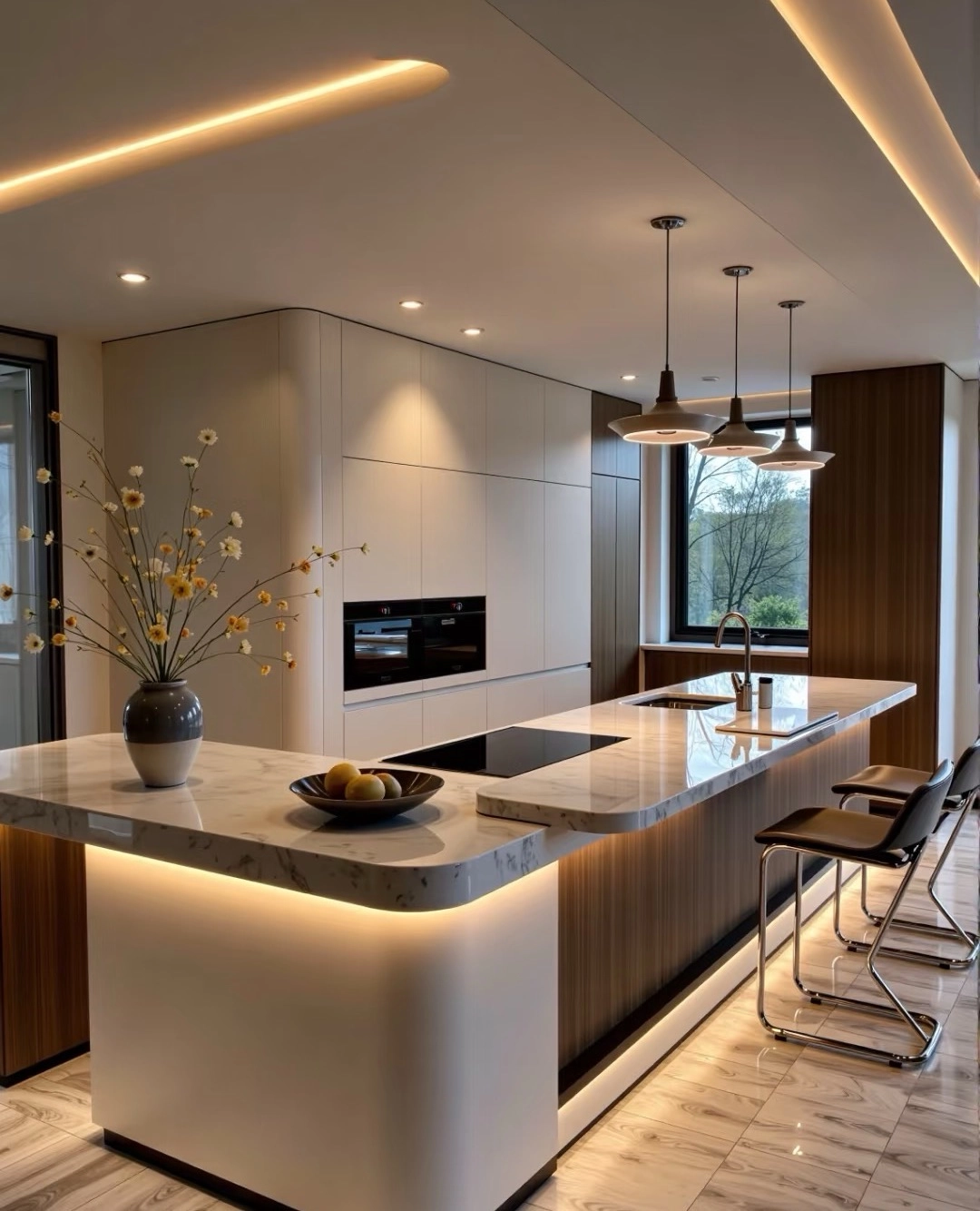
How to Make Traditional Kitchen Cabinets Look Modern
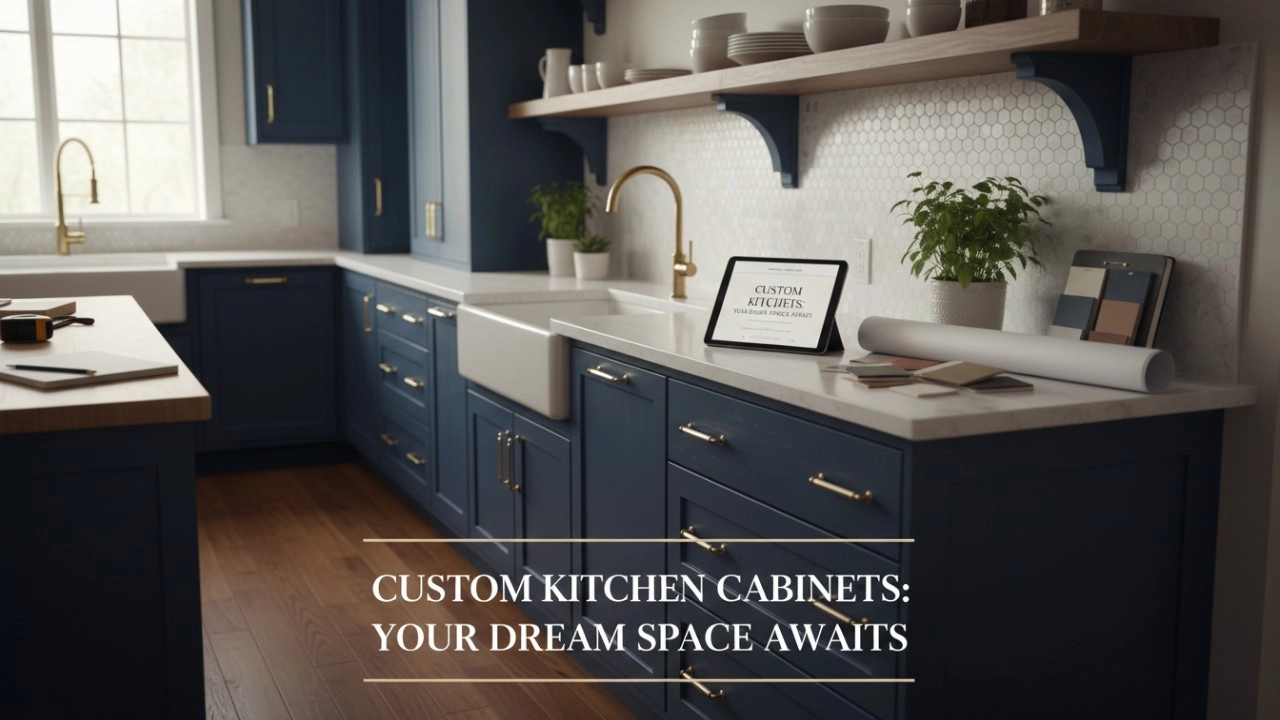
Custom Made Kitchen Cabinets vs. High-End Semi-Custom: The Definitive Quality & Durability Showdown (2026 Guide)
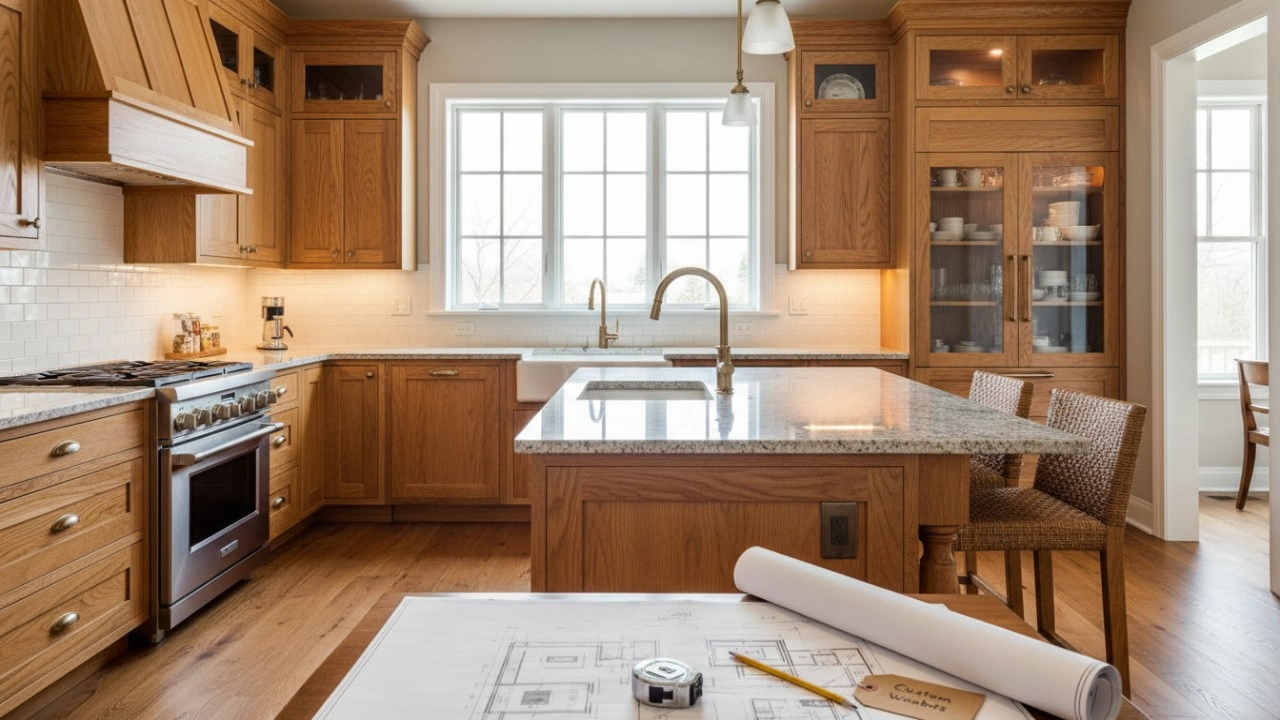
12 Reasons Why Custom Solid Wood Kitchen Cabinets Are the Only Investment That Truly Adds Value to Your Home
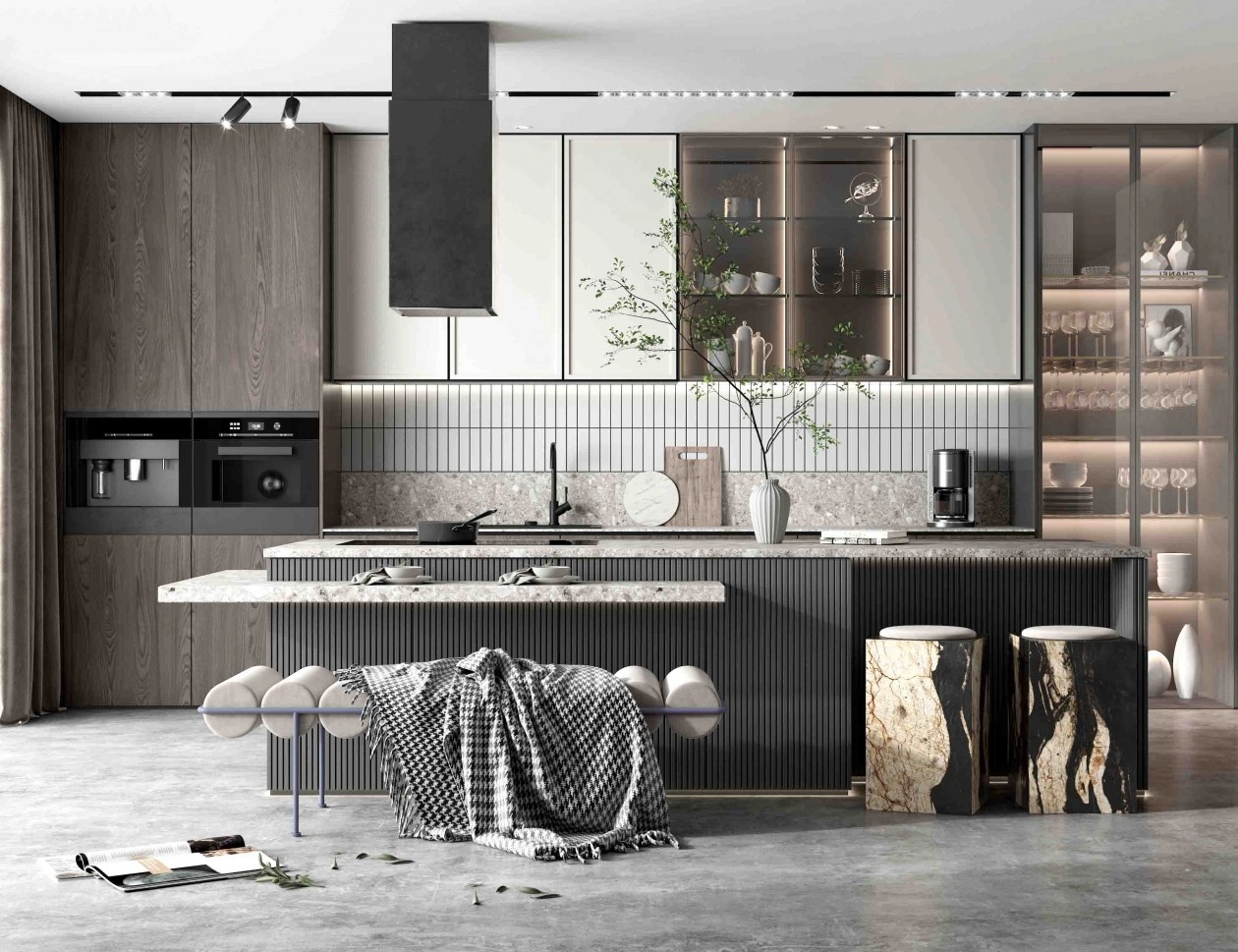
How to Maximize Storage Space with Kitchen Cabinet Inserts
FAQ
What's the payment terms of all our products?
T/T (30% inadvance, the balance shall be paid off before delivery), Western Union or L/C.
Can we ship the furniture cabinets to customer's port or city?
Yes. Please provide the city name or port name when you send us an inquiry.
What information are needed for getting a quote for our furniture cabinets?
Your size infomation or room drawings.
What's lead time for furniture cabinets?
It's about 20 - 30 days.
Can we produce products according to customer's room size?
Yes. All our cabinets are custom size.
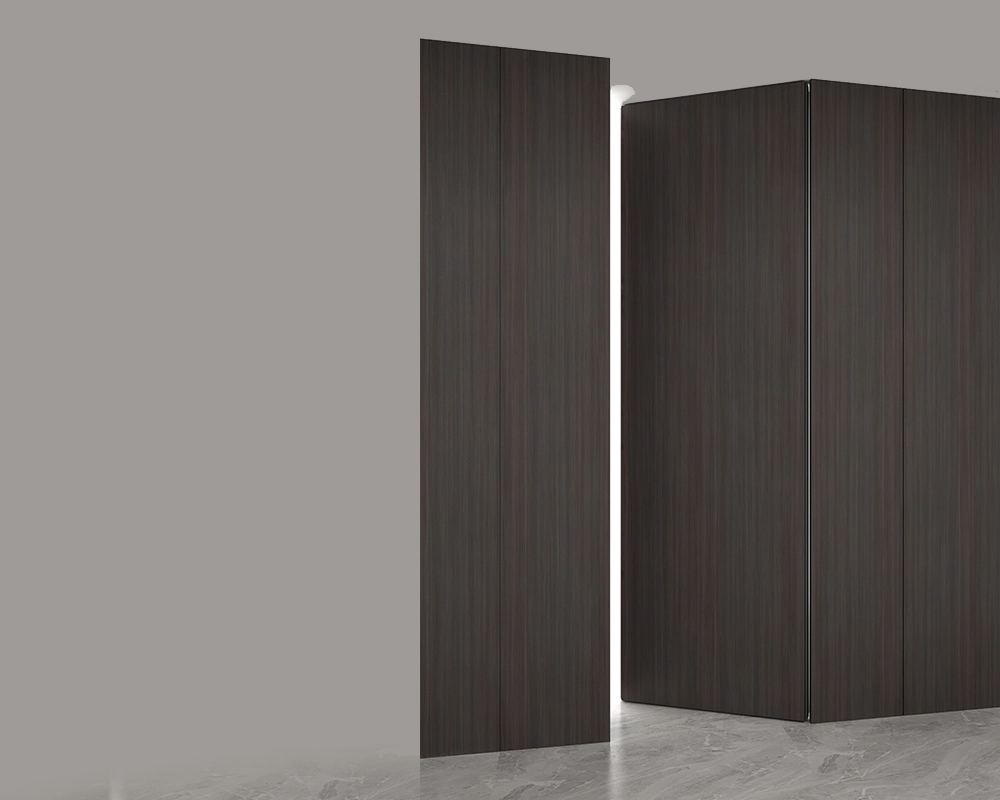
T-shaped invisible door MA10
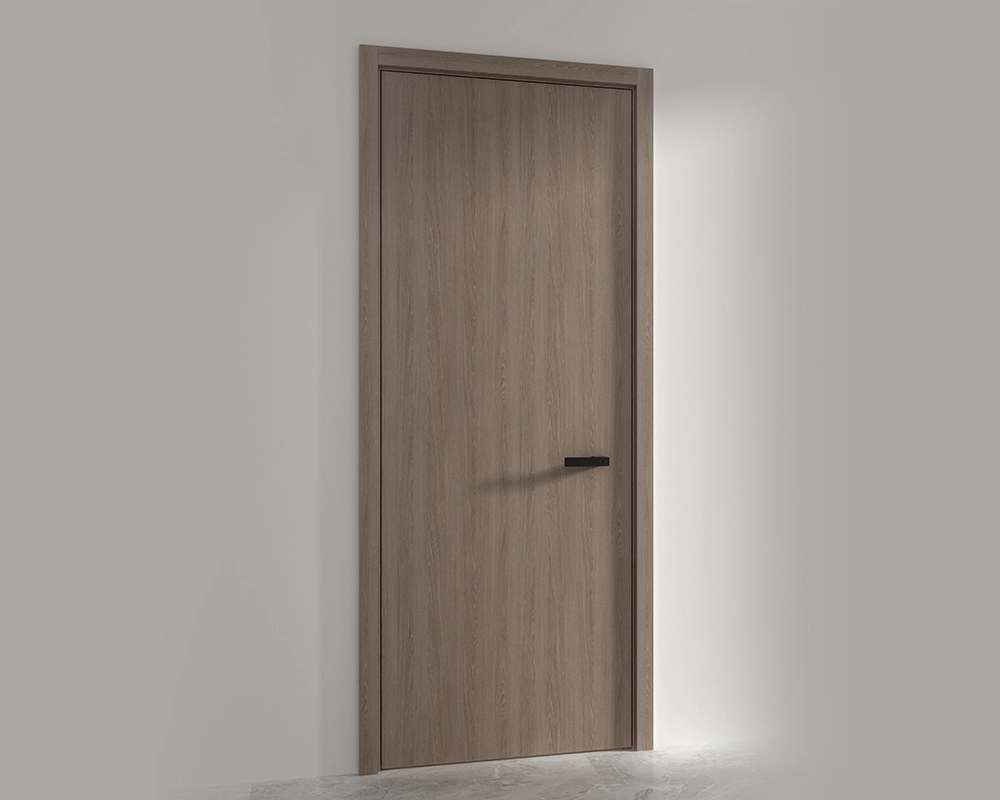
Flush panel door MA11
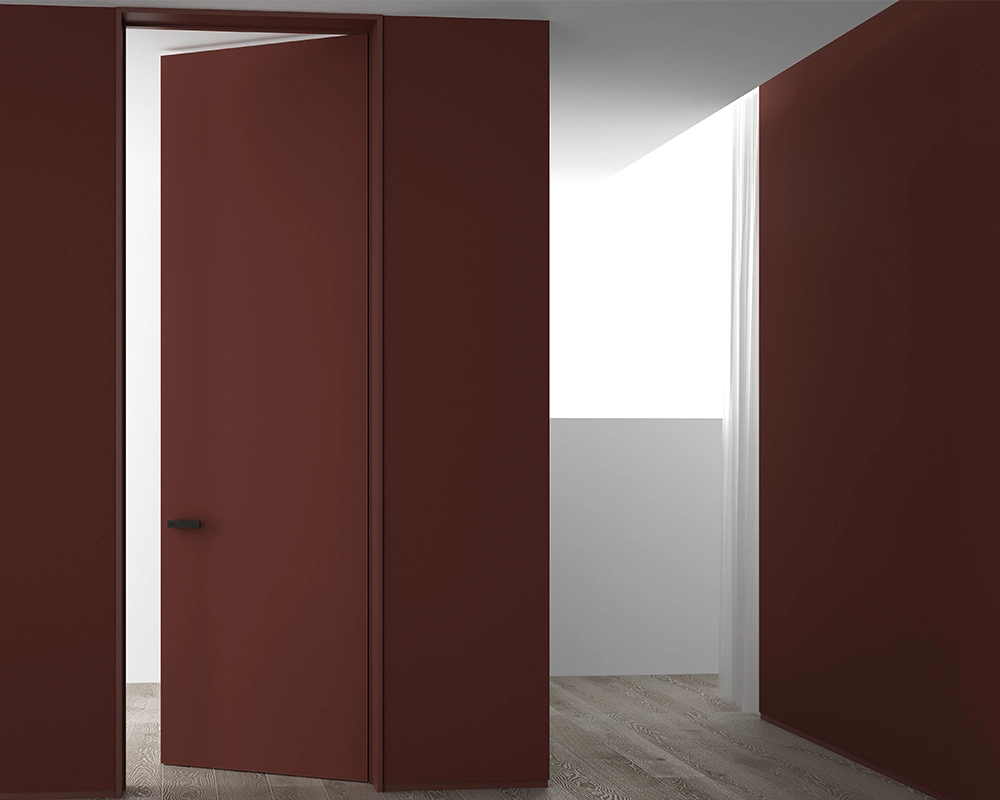
Siyun double wooden door MA12A
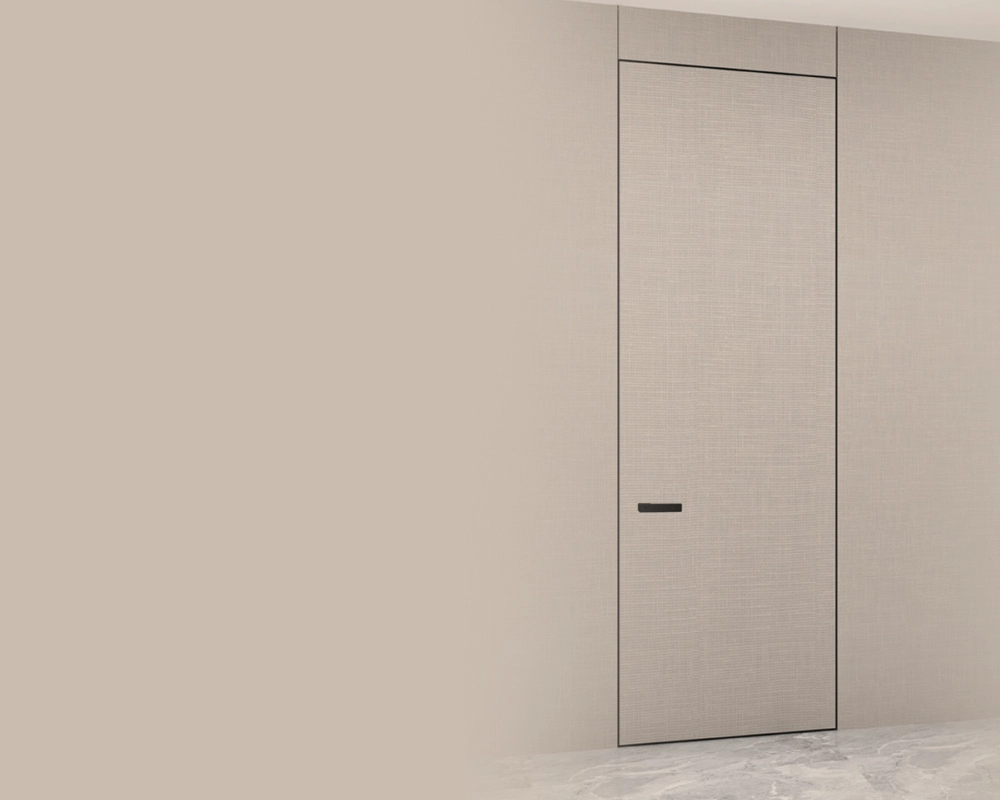
External flush right inward opening door MA13
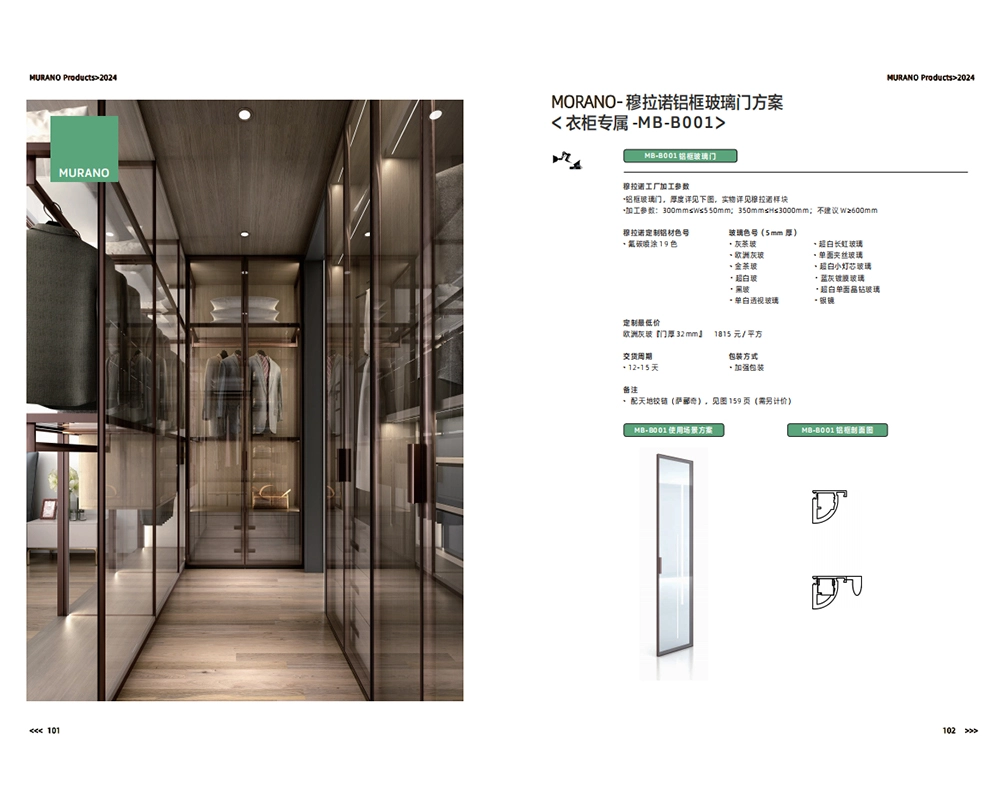
Aluminum Frame Glass Hinged Door - MBB001
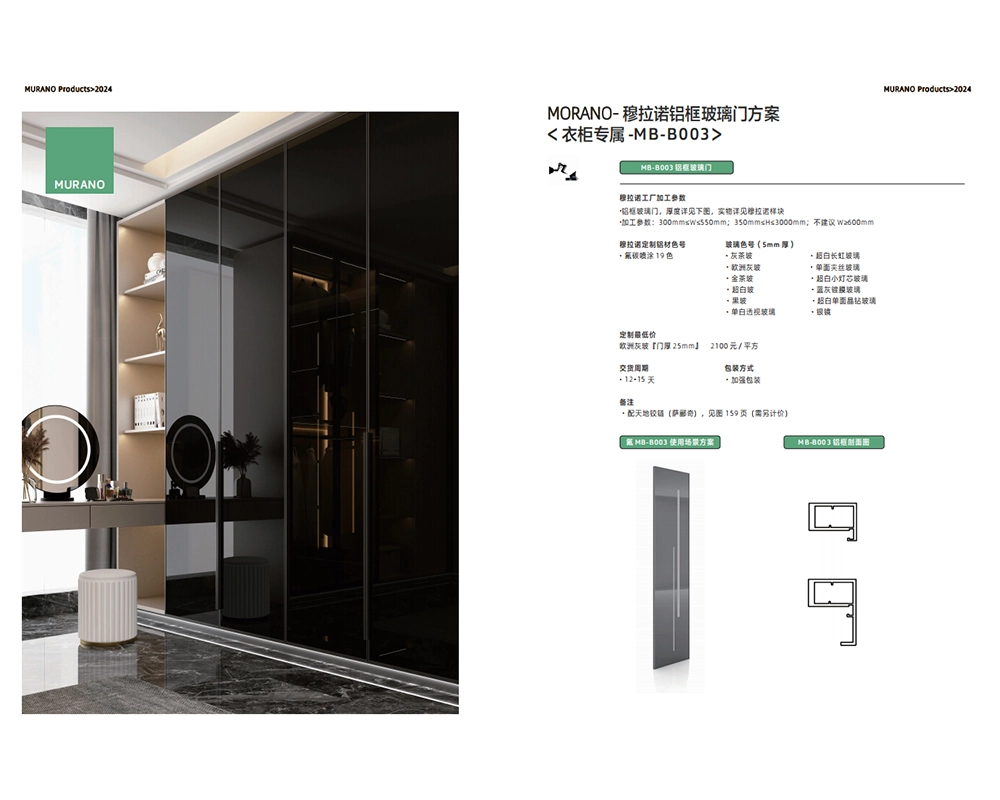
Aluminum Frame Glass Hinged Door - MBB003
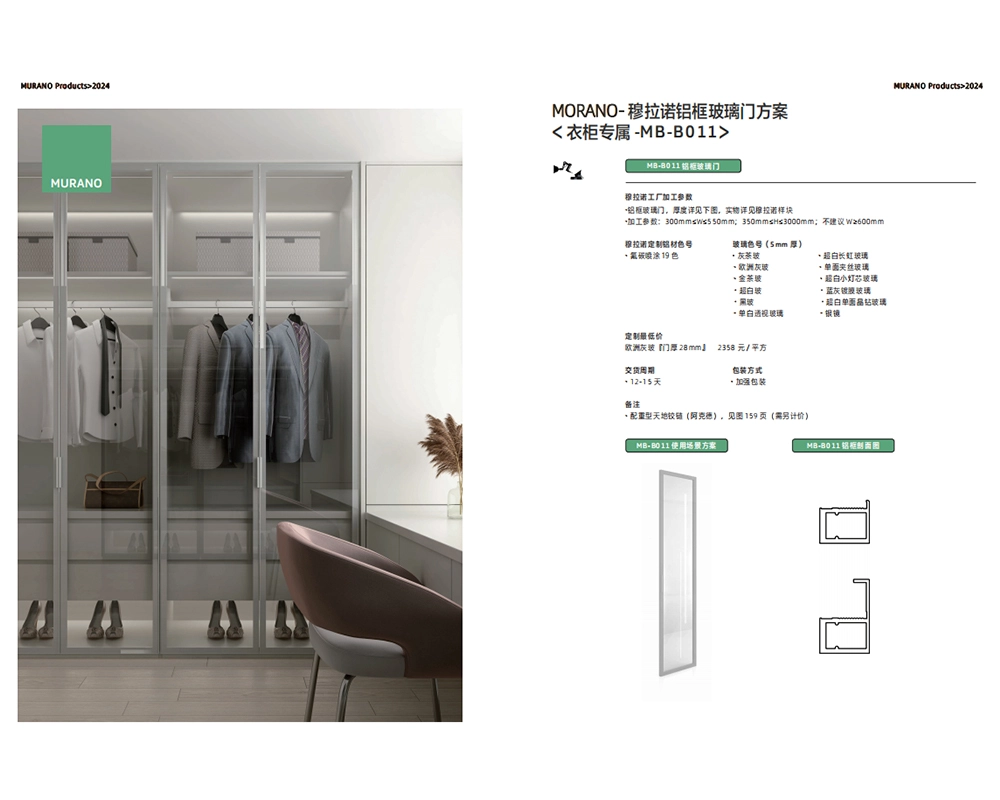
Aluminum Frame Glass Hinged Door - MBB011
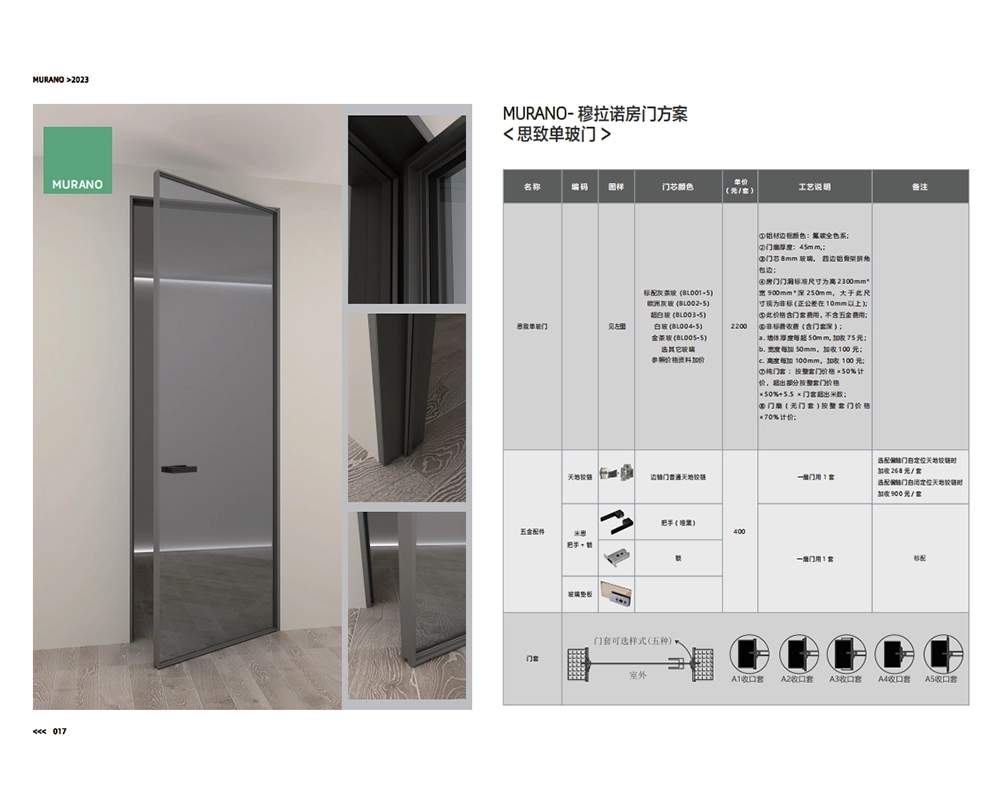
SZ Single side glass interior door
Request a Free Consultation And Price Estimate
Get in touch with Murano today for a personalized consultation, and let us bring your vision to life. Fill out the form below or contact Murano directly to start your journey toward a beautifully tailored home!"

 Scan QR Code
FoshanMuranoCabinet
foshanmuranocabinet
Whatsapp: +8618814138020
Scan QR Code